Advertisement
Click to download now, finish the installation quickly, and directly unlock the all-round experience
Advertisement
Screenshots




Click to download now, finish the installation quickly, and directly unlock the all-round experience
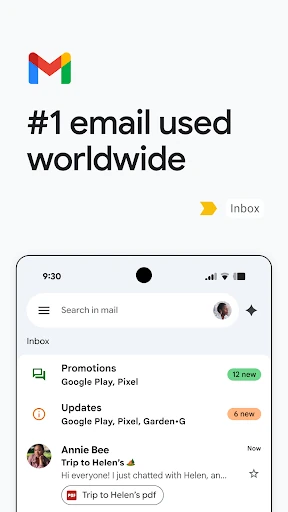
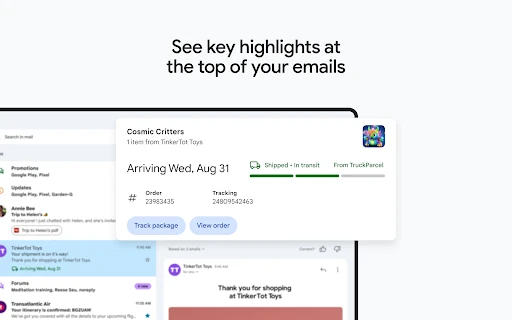
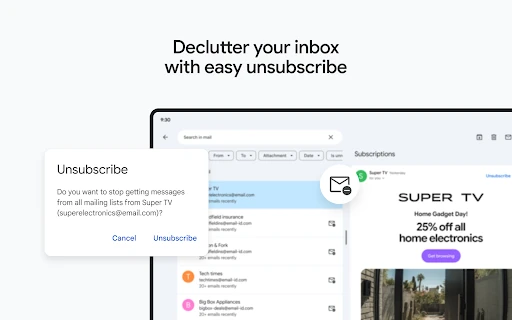
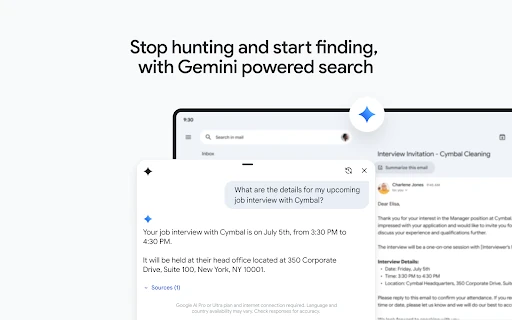
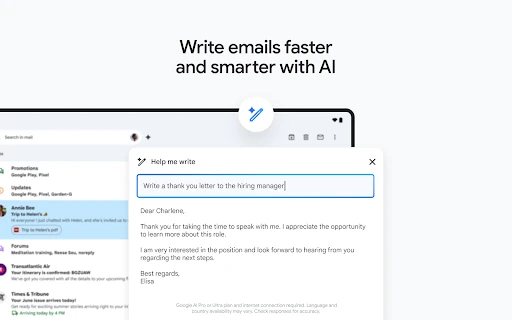
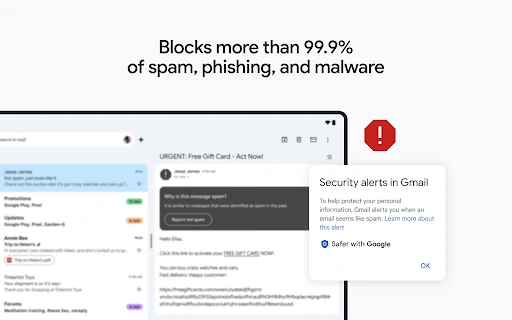
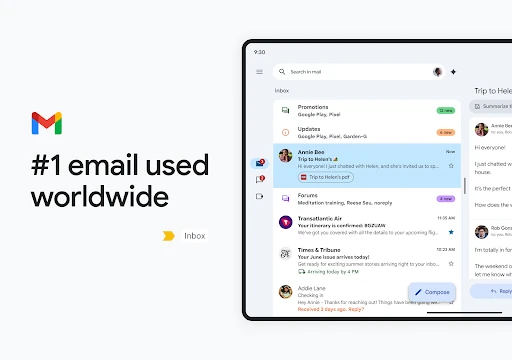
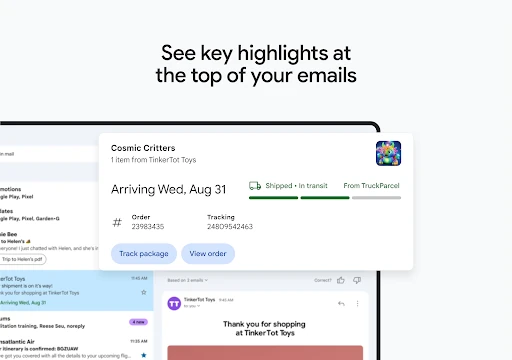
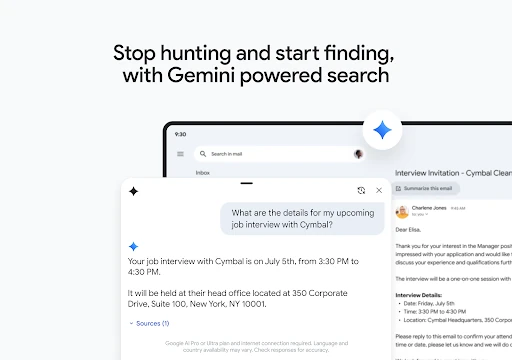
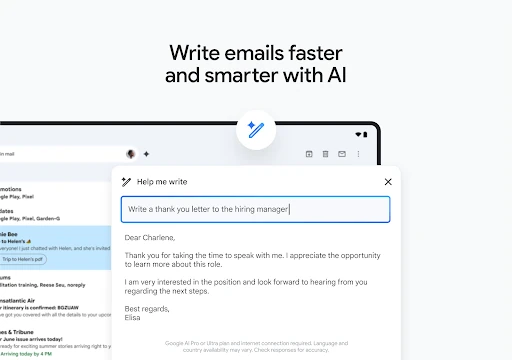
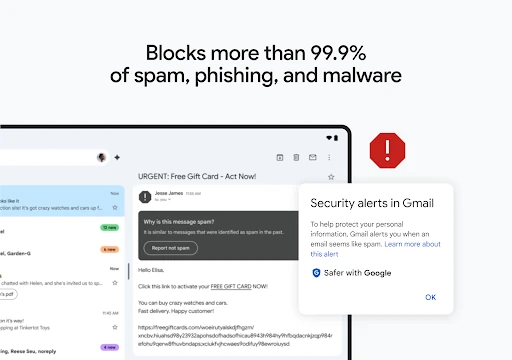
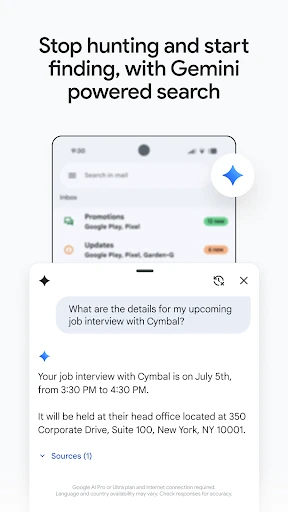
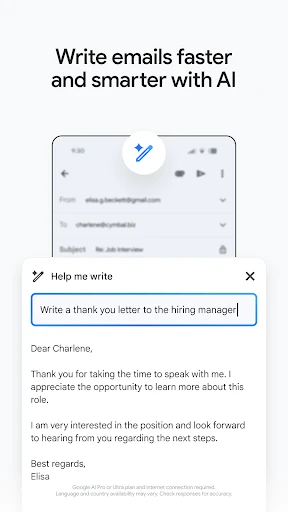
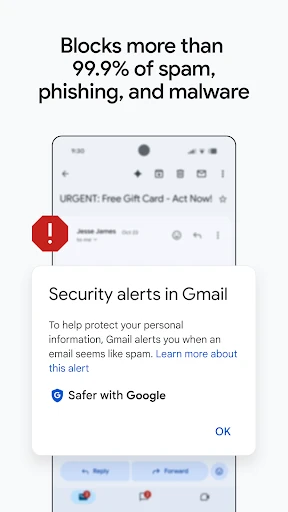
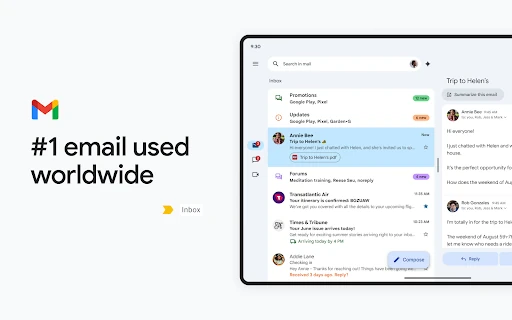
Gmail is Google LLC’s email app for reading, sending and organising messages on Android. It suits people who use a Google account as their main address, and those who want one place to check several email accounts. Search helps when a message is hard to find, while spam filtering and suggested replies can reduce routine inbox work.
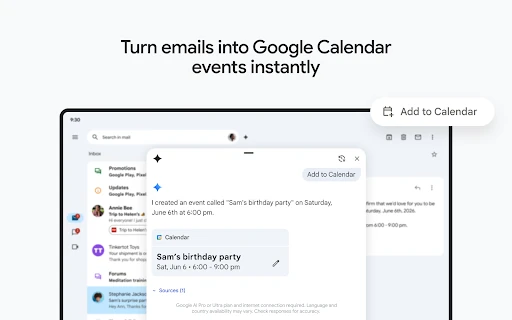
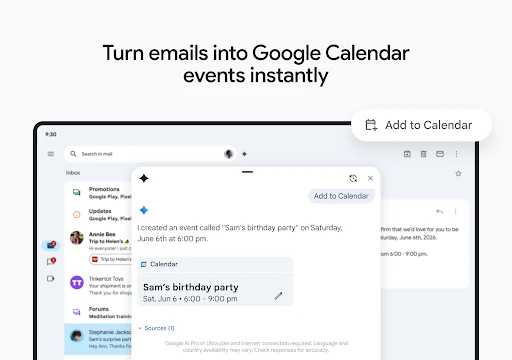
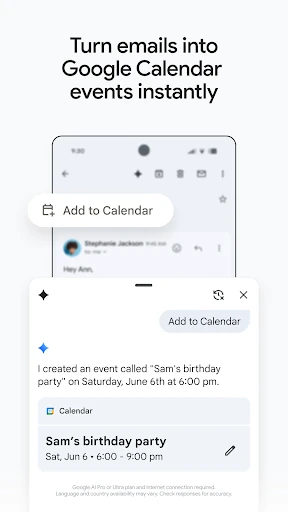
Against alternatives such as Outlook or a phone’s basic mail app, Gmail’s strongest reason to choose it is its fit with Google services. Email can sit alongside tools such as Calendar, Meet and Chat, which is useful if those are already part of your work or personal routine. The trade-off is that people who prefer another provider’s ecosystem, or want only a minimal mail reader, may find a more focused app a better match.
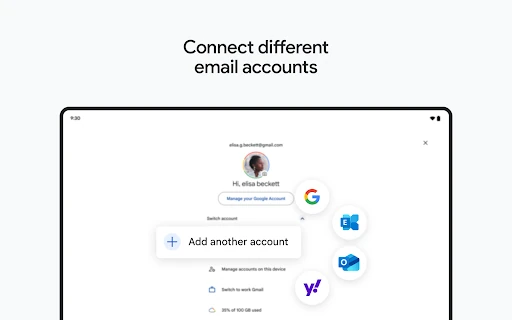
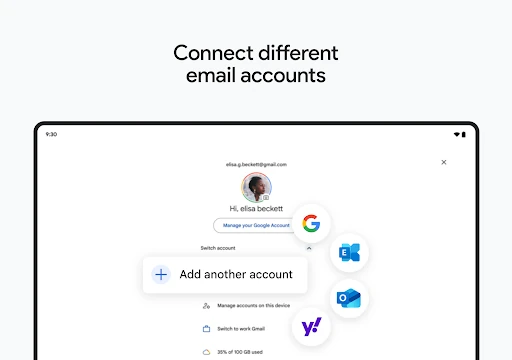
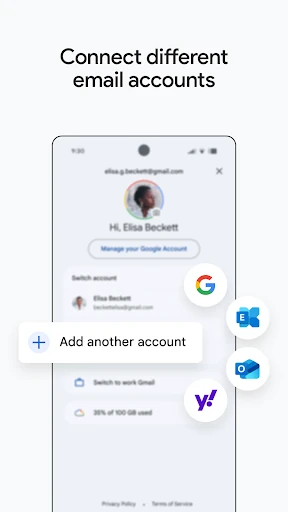
Gmail also supports more than one email account, so it can work as a central inbox rather than a single-address client. That convenience matters most when you regularly switch between personal and work mail; it matters less if you rarely use email or keep every account separate.
The listing carries a 4.1 rating from about 14.2 million reviews and 10 billion-plus installs. Those figures show that Gmail is used at enormous scale, not that its layout or bundled tools will suit everyone. The practical question is whether its Google-centred approach matches the way you already manage messages.