Tape Measure: Measuring Ruler
Grymala apps
Downloads
10,000,000+
Source
Google Play
Advertisement
Click to download now, finish the installation quickly, and directly unlock the all-round experience
Advertisement
Screenshots
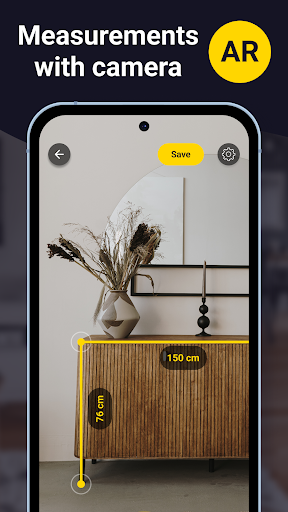
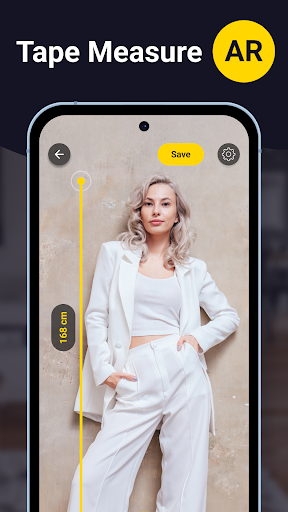
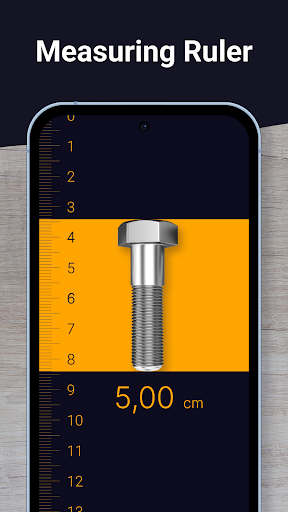
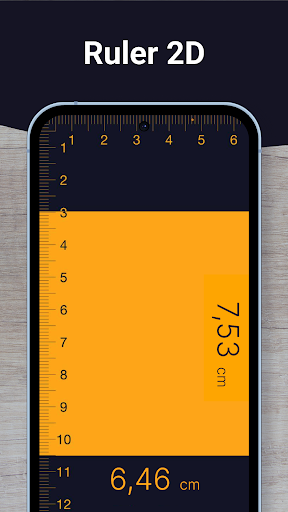
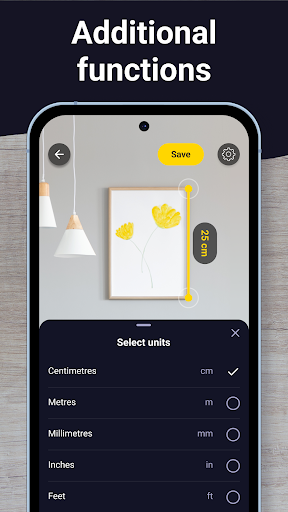
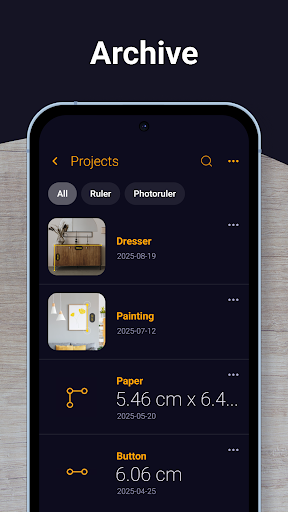
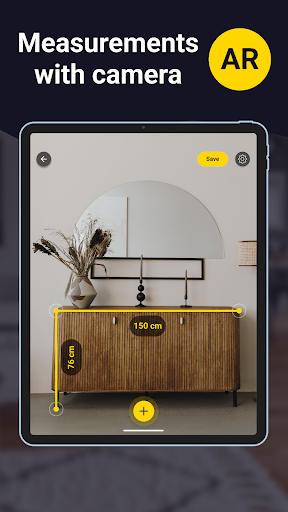
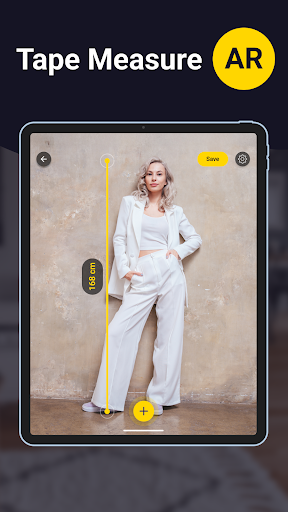
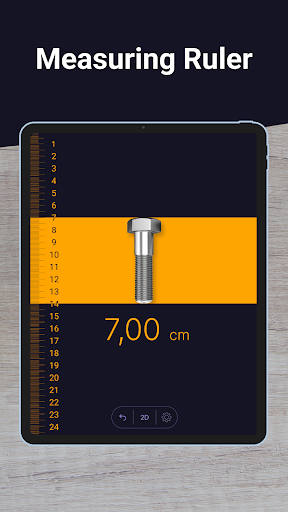
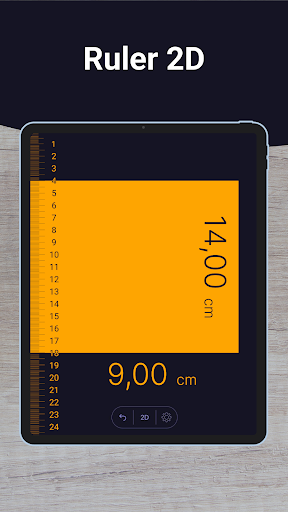
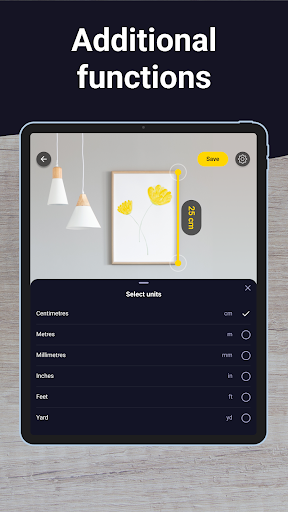
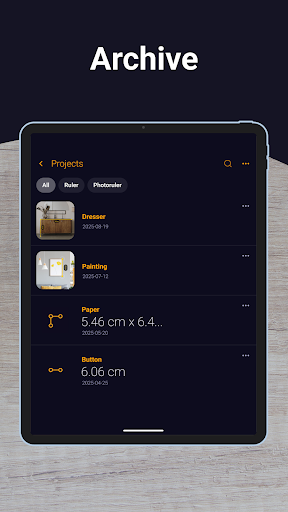
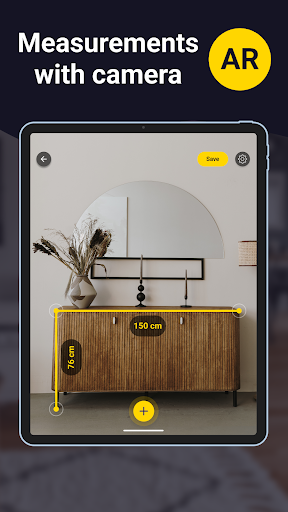
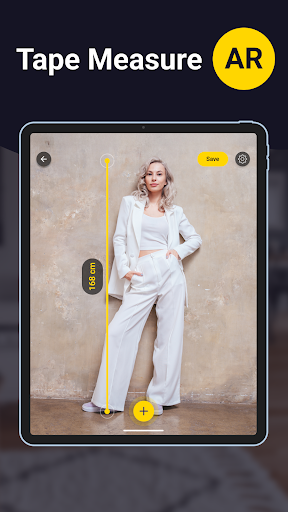
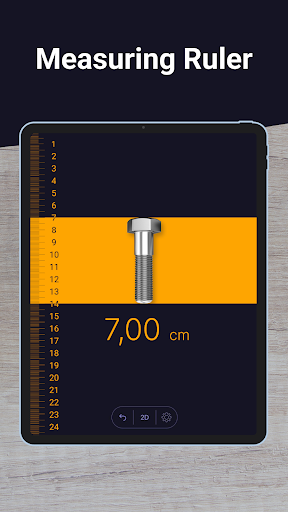
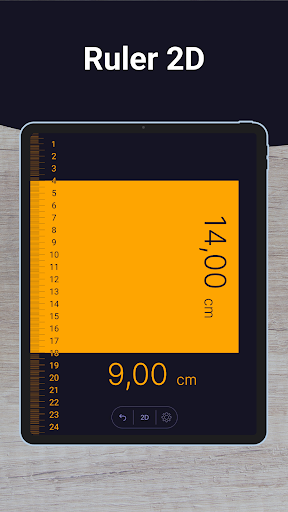
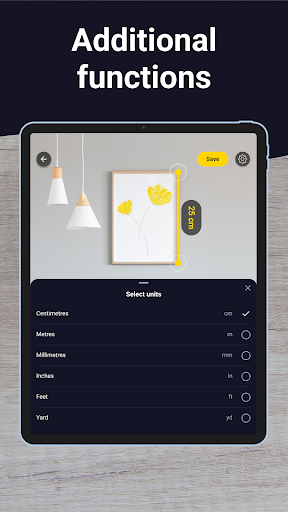
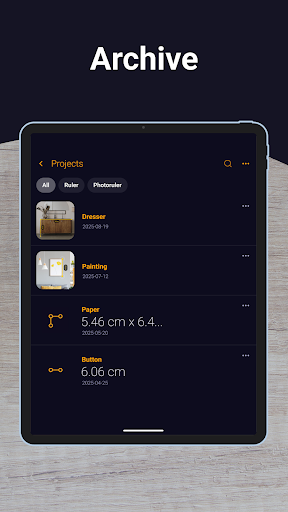
Click to download now, finish the installation quickly, and directly unlock the all-round experience
Tape Measure: Measuring Ruler uses your phone’s camera to estimate lengths and dimensions. It combines augmented-reality measurements of real spaces with a photo-ruler mode for objects in an image. It suits people who need a quick measurement when a tape or ruler is not at hand, or who want a rough starting point for arranging a room.
In AR mode, you can measure a line, distance to a point, angles, area and perimeter, volume, a path, or height relative to a recognized surface. Some AR functions are limited to the Core version, and AR mode requires a device that supports ARCore. Photo mode takes a different approach: include an object of known size in the same picture as the object you want to measure, then use it as a reference. Keeping both objects in the same plane helps reduce perspective distortion.
This is a practical alternative to carrying a basic measuring tool for casual checks, rough room planning, or measuring an object from a photo. It is less suitable when a small measurement error would matter. Camera angle, perspective, and the phone’s ability to recognize a surface can affect results, so use a physical ruler or tape for work that needs dependable precision. The two modes offer flexibility, but neither removes the need to set up the measurement carefully.
Grymala apps’ Tools app has a 4.2 rating from 277,747 reviews and more than 10 million installs. Those figures show substantial use, not a guarantee that every reading will be accurate. The sensible case for choosing it is convenience: it offers several camera-based measurement types in one app. Choose it for estimates and everyday checks; choose a conventional measuring tool when exact dimensions are essential.