Epson iProjection
Seiko Epson Corporation
Downloads
5,000,000+
Source
Google Play
Advertisement
Click to download now, finish the installation quickly, and directly unlock the all-round experience
Advertisement
Screenshots
Click to download now, finish the installation quickly, and directly unlock the all-round experience
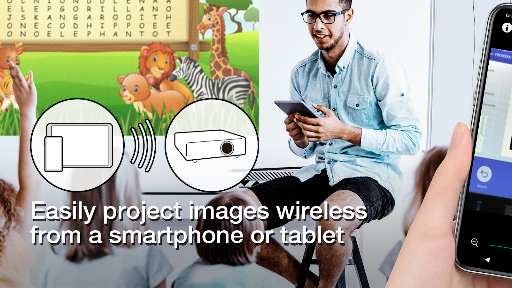
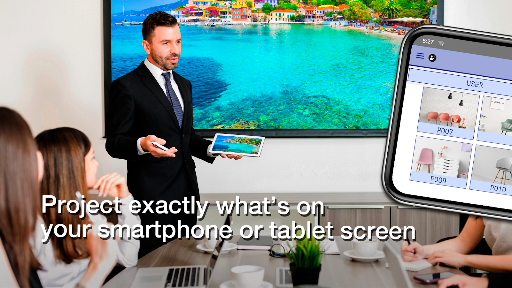
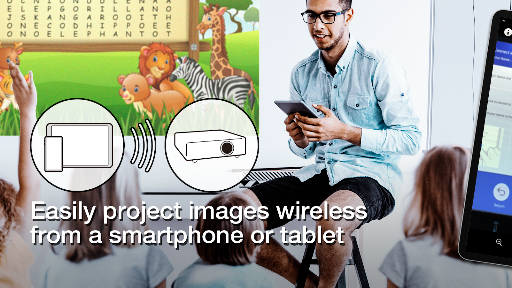
Epson iProjection connects an Android device to a compatible Epson projector over a network, so you can mirror your screen or show selected material without plugging the phone into the projector. It suits presenters, teachers and teams who already use supported Epson equipment and want to bring a PDF, photo, web page or live camera view into a room.
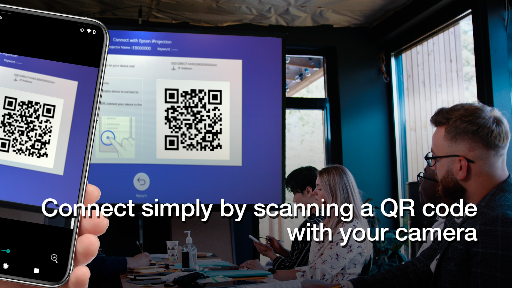
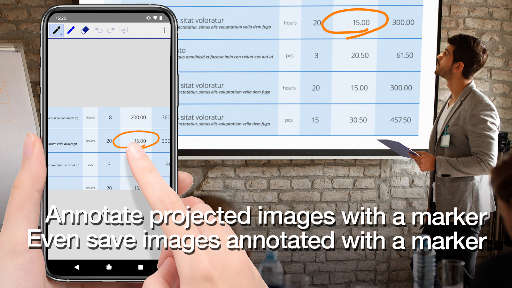
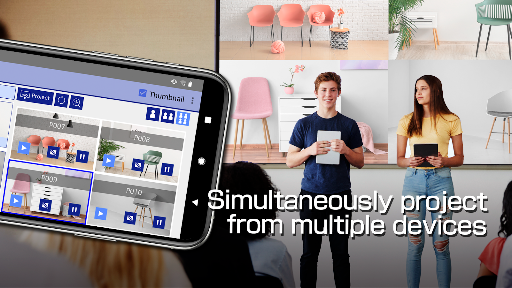
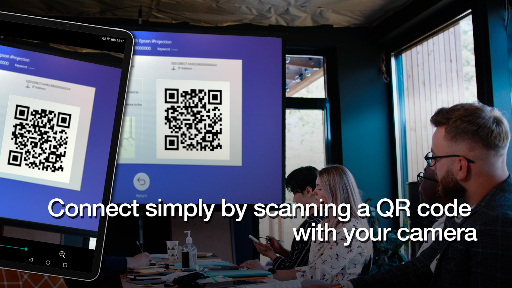
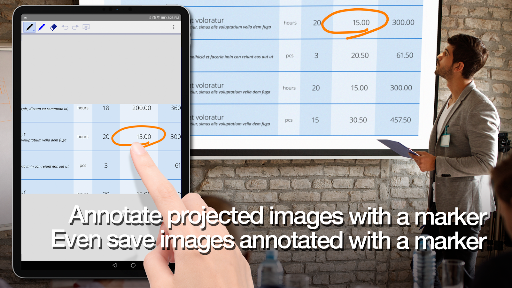
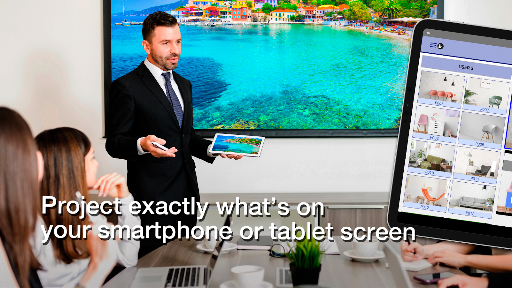
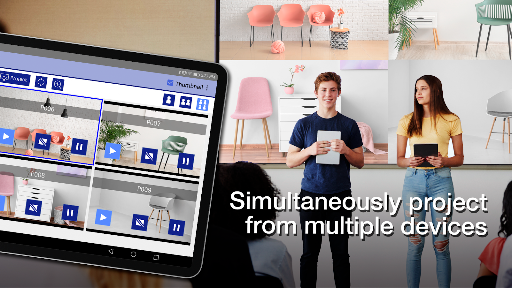
The choice here is not simply between projection apps: projector compatibility matters more than a long feature list. iProjection is the practical pick when the projector is an Epson model it supports. You can connect by scanning a projected QR code, mirror your device screen with audio, and use the app as a projector remote. For a meeting or class with several contributors, it can connect up to 50 devices and show up to four screens at once. Projected images can also be annotated and saved.
The projector needs its network settings configured, and the Android device must be on the same network. The app is not a general-purpose bridge for every projector, so check Epson’s supported-projector information before planning around it. When searching does not find a projector, the connection can be entered by IP address. Photos and PDF projection support JPG, JPEG, PNG and PDF files. Screen mirroring may have video or audio delay depending on the device and network, and protected content cannot be projected.
Choose Epson iProjection if your presentations already happen on a compatible Epson projector and you value quick access to documents, screen sharing and basic room control from Android. If you do not have supported Epson hardware, the app’s main advantage does not apply. Its 4.2 rating across 18,356 reviews and 5,000,000+ installs suggest broad use, but compatibility is still the deciding question. Seiko Epson Corporation develops the app.