Paperwork in, usable files out
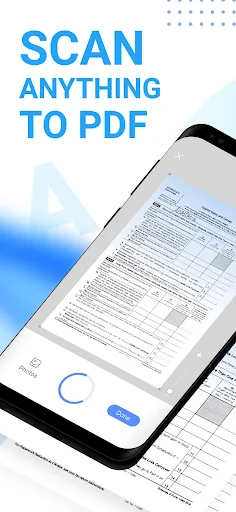
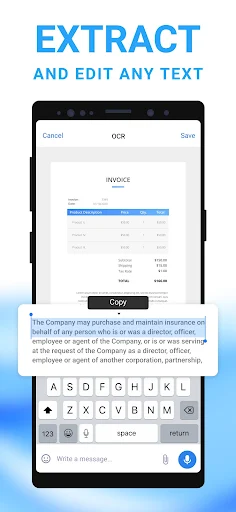
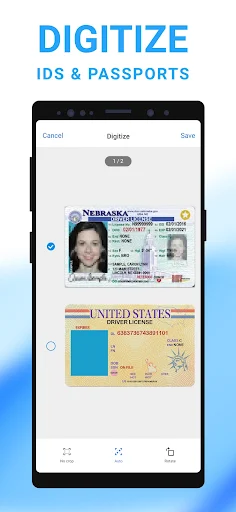
Mobile Scanner App - Scan PDF turns phone-camera scans of documents, receipts, notes, photos and books into digital files. It suits people who need to keep paper records handy, send a document without photocopying it, or make printed text searchable. Scans can be saved as PDF, JPEG or Word files, and its text recognition can extract text for editing or TXT export.
Why choose it over a camera roll?
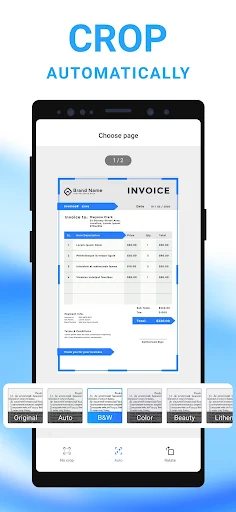
A regular photo can record a page, but it leaves you to find, frame and manage each image yourself. Mobile Scanner adds tools aimed at making scans more useful: it can detect page edges and crop automatically, with options to rotate, adjust colour and resize. You can scan multiple pages into one PDF, then arrange files in folders. That makes it a practical pick for recurring paperwork rather than the occasional snapshot.
Where it earns its place
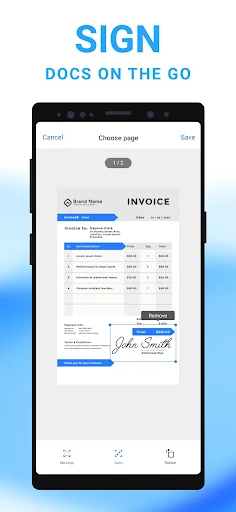
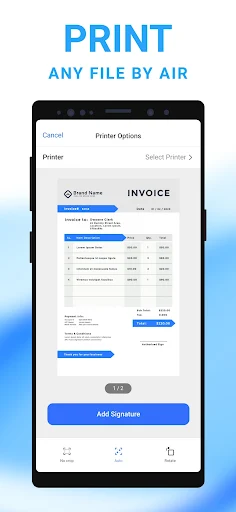
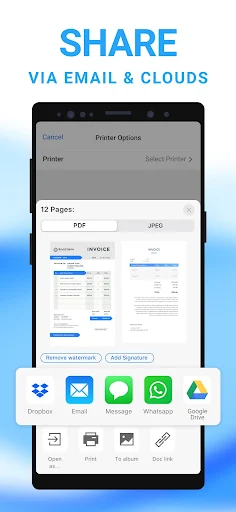
The app also covers some jobs that would otherwise call for separate tools. OCR can recognize text in scans; signatures can be added; and password locks can protect documents and folders. Finished files can be shared by email, sent to cloud services including Google Drive, Dropbox and OneDrive, or printed from the app. These options make it useful for students, freelancers and households handling forms, receipts or contracts on a phone.
- Consider another route if you only need an occasional picture of a page: a dedicated scanning app may be more than you need. For a large archive or high-volume office workflow, compare it with a desktop scanner and document-management system.
- Why it remains in consideration is the combination of scanning, text extraction and file handling in one place, rather than any single tool alone.
Audience signal
Mobile Scanner App - Scan PDF is published by Glority Global Group Ltd. Its 4.62 rating from 110,052 reviews and 10,000,000+ installs suggest substantial adoption, though those figures cannot tell you whether its workflow fits your own paperwork.